Remote Desktop That Just Works. From Anywhere. On Any Device.

VirtuWorks Remote Desktop is the workspace your team actually wants to use. A dedicated private cloud server tuned to your workload. Windows Virtual Desktop sessions that load in seconds, with Microsoft 365 already signed in. Thin remote apps for users who only need QuickBooks or a single line-of-business tool. Image-based backups with 14-day retention so nothing your team produced this week is more than a click away. MFA, encryption, and Conditional Access on every session. One per-user price. One US-based engineering team. One workspace your firm can actually run a business inside, no matter where the device is.

Get a Free Remote Desktop Posture Review

You Hire People. VirtuWorks Gives Them a Workspace That Travels.

Schedule a Remote Desktop Demo

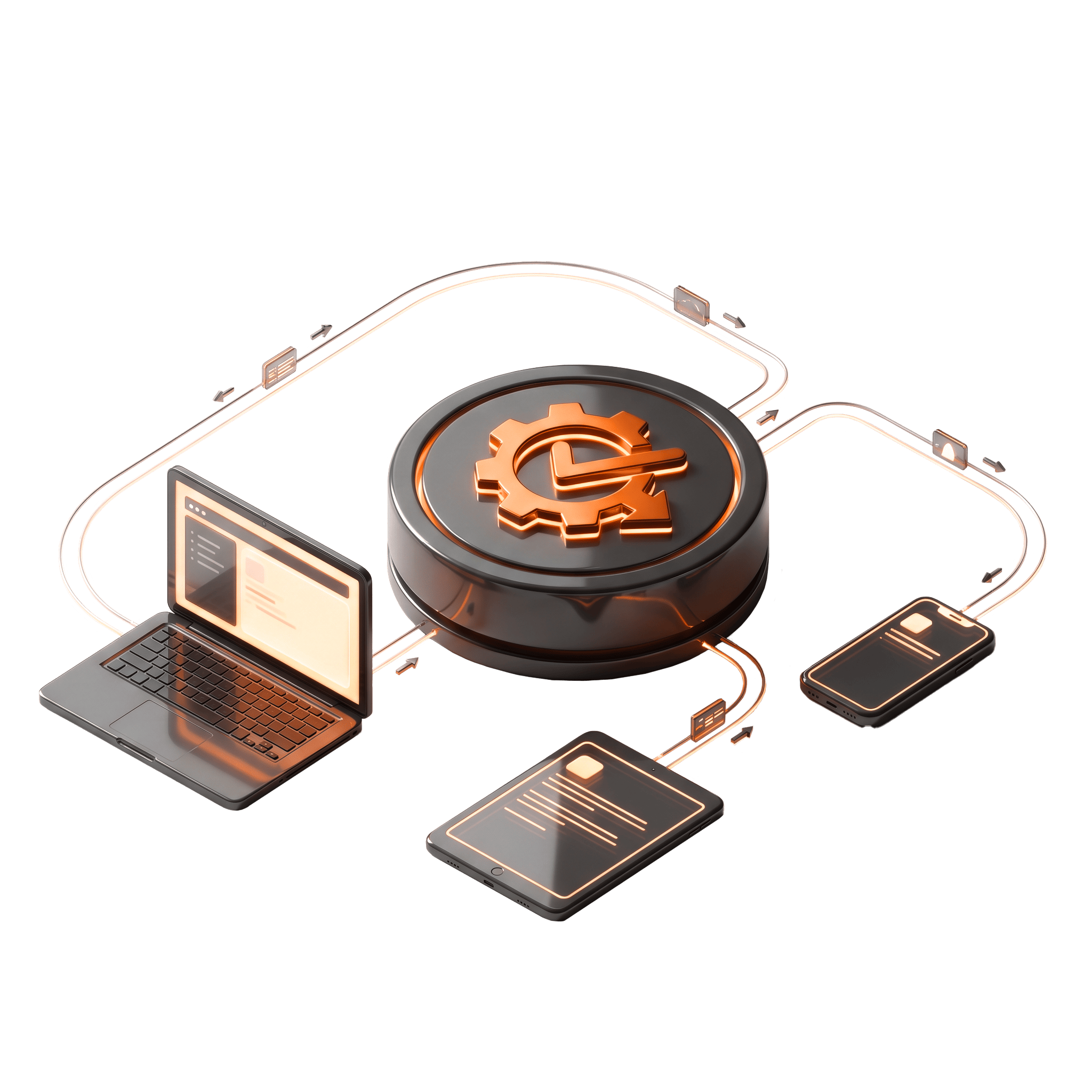
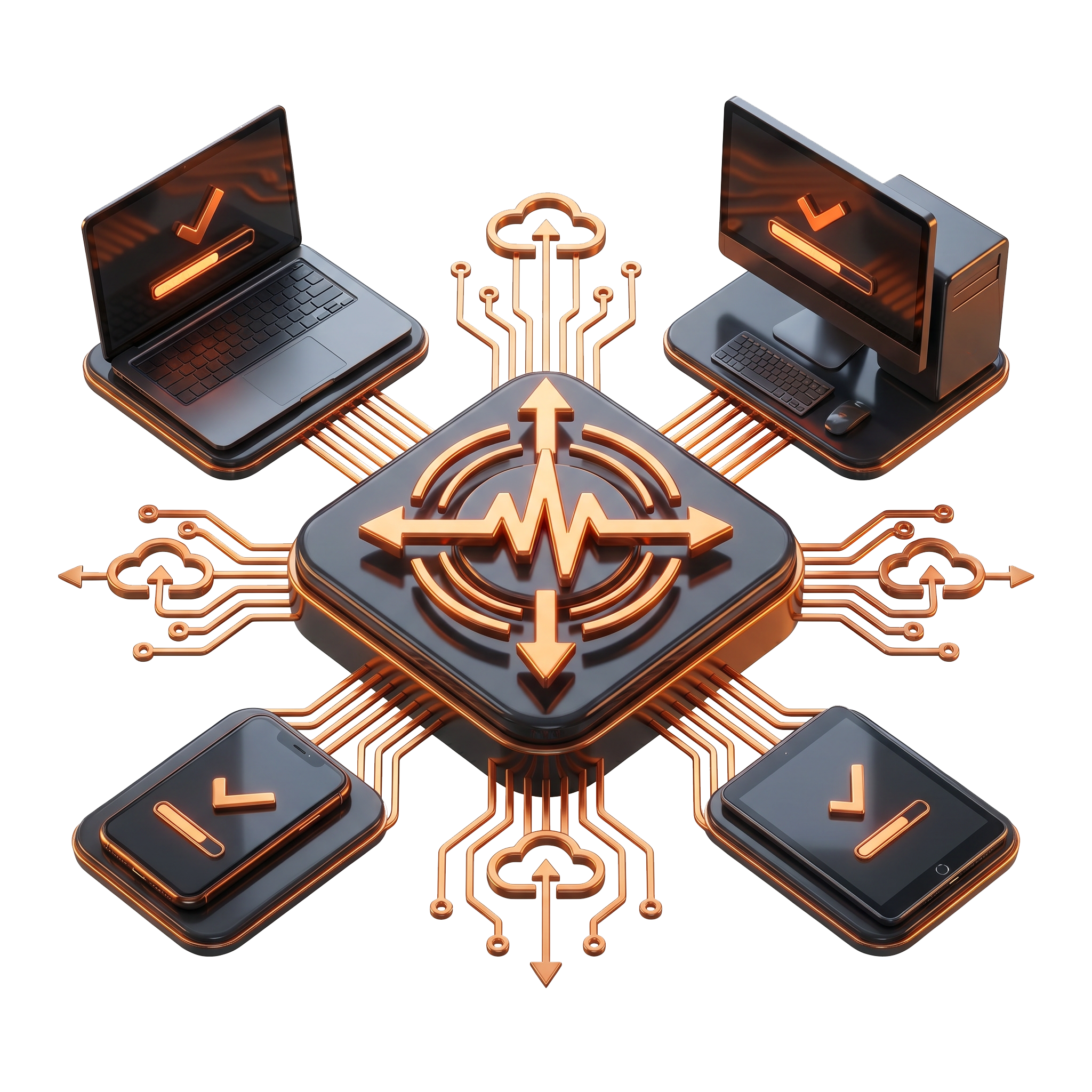
Remote Desktop from VirtuWorks gives every user the same secure, performant workspace whether they sign in from headquarters, a kitchen table, an airport lounge, a partner's office, or a personal laptop they bought last weekend. Backed by US-based engineers, image-based backups, and a $39.99 per-user monthly price that includes everything.

24/7 US-Based Support
ISO 27001 / 20000 / 9001 Certified
Trusted by 750+ Firms
NSF ISR Audited

Remote Desktop for Firms Whose Team Stopped Coming Into the Office Five Years Ago

Remote Desktop is sold per user per month and slots into the rest of the VirtuWorks platform. Managed IT Services clients use it for hybrid and multi-location coverage. Co-Managed IT Support clients deploy it to give internal IT a unified workspace to support. The optional Compliance and Ai Readiness Add-On layers identity hygiene, sensitivity labels, DLP, and AI governance on top for firms preparing for Copilot, audits, or cyber-insurance renewals.

Request Service in Remote Desktop

    Request Service in

    Nine Pillars of VirtuWorks Remote Desktop

    Private Cloud Server, Tuned to Your Workload

    Remote Desktop is delivered on a dedicated private cloud server sized to your firm. Not shared. Not over-subscribed. Not a multi-tenant box where your CAD users are fighting your accountants for memory. VirtuWorks tunes CPU, RAM, disk, and IO during onboarding and adjusts as your usage patterns become clear.
    Private Cloud Server, Tuned to Your Workload

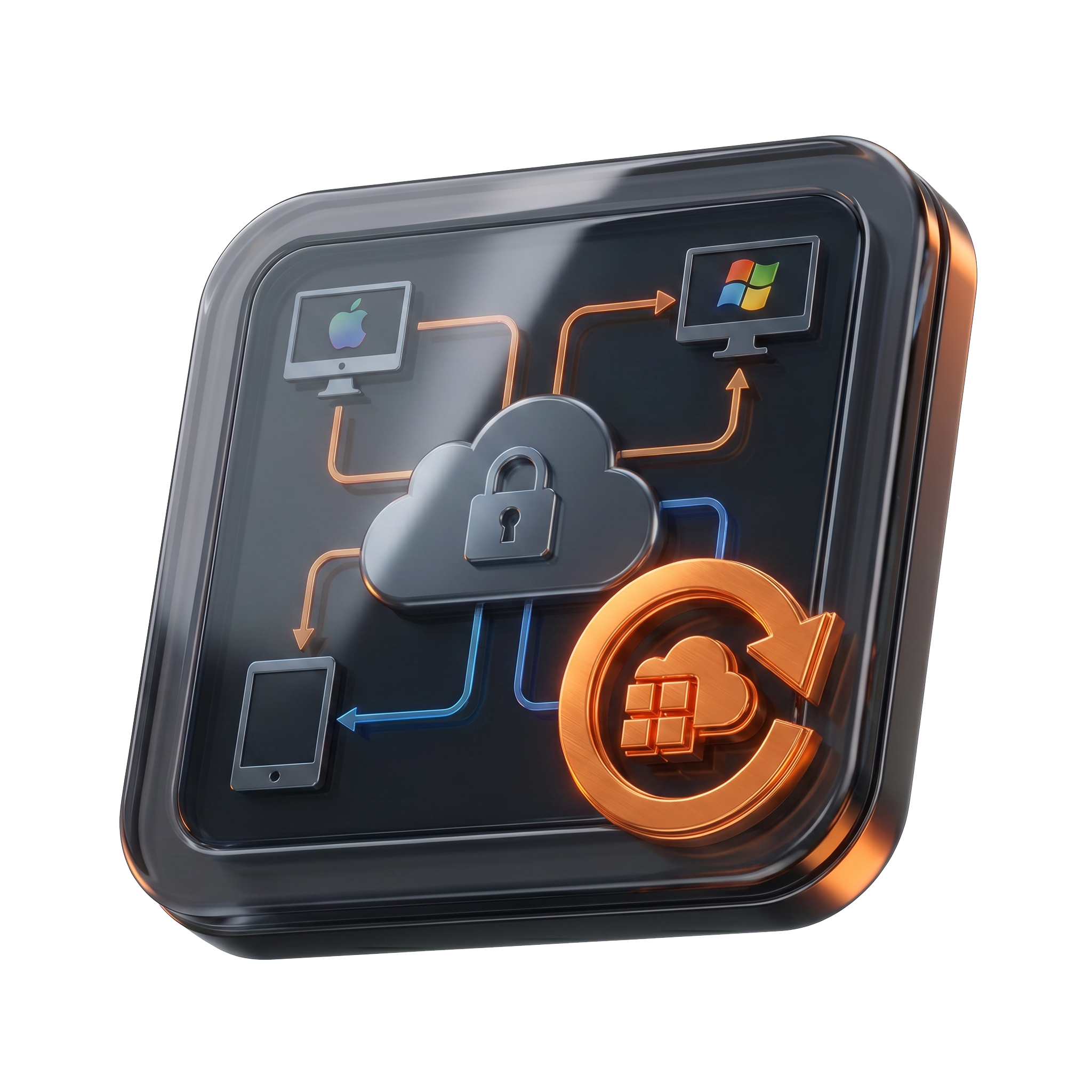
    Windows Virtual Desktop With Familiar Workflows

    A full Windows Virtual Desktop session that looks and feels like the Windows your team already knows. Microsoft 365 already signed in. SharePoint, OneDrive, and Teams already mapped. The same printer drivers, fonts, and add-ins your team relied on before. Remote desktop that does not force your users to relearn their job.

    Windows Virtual Desktop With Familiar Workflows

    Thin Remote Apps for Single-Tool Users

    Not every user needs a full Windows desktop. Receptionists who only run QuickBooks. Field staff who only need a CRM. Contractors with a single approved application. VirtuWorks publishes the specific app as a thin remote app, gives the user access to that and nothing else, and removes the access cleanly the moment the engagement ends.

    Thin Remote Apps for Single-Tool Users

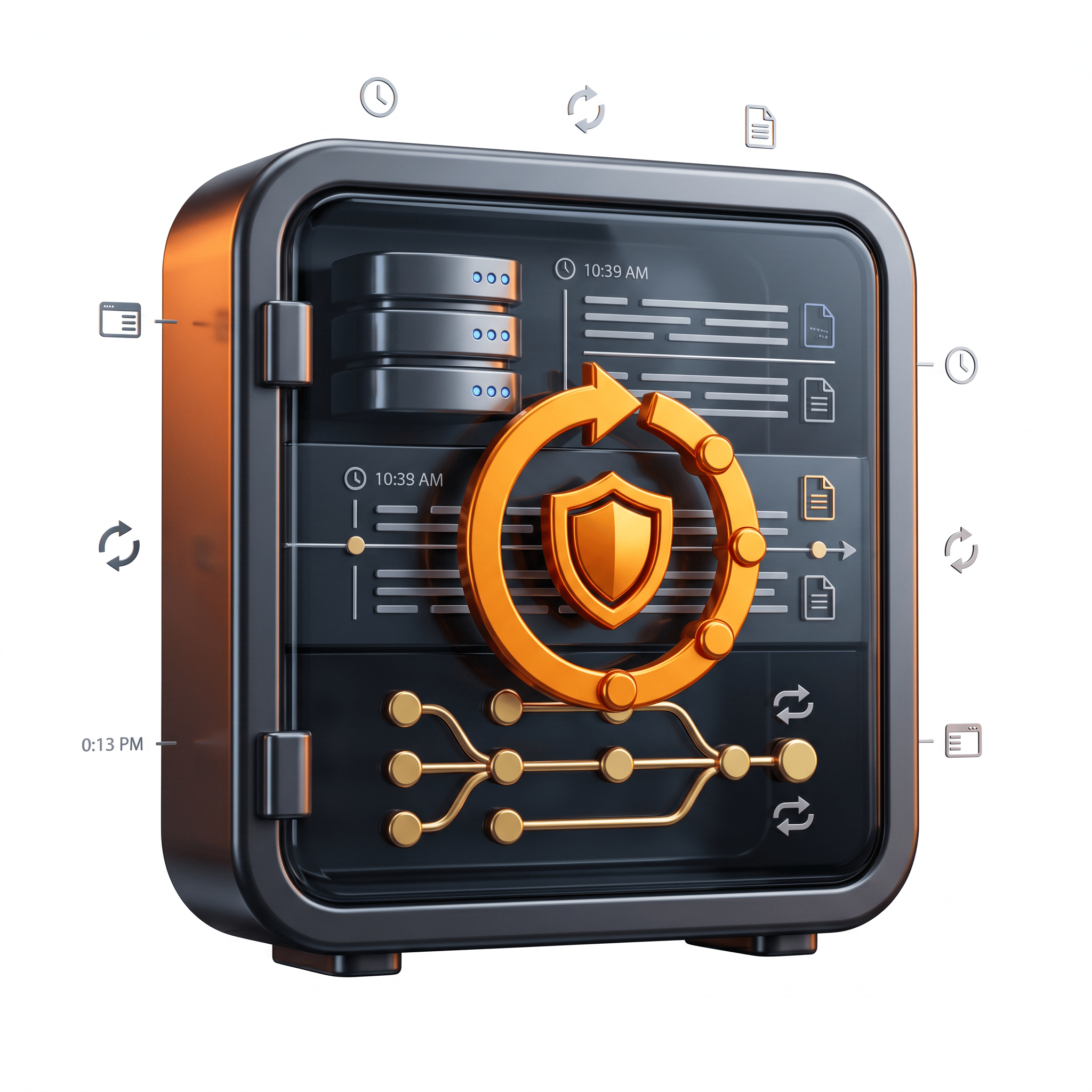
    Image-Based Backups With 14-Day Retention

    Every Remote Desktop environment includes automated image-based backups of the entire server, retained for 14 days. Recovery is full-image, not just file-level. The work your team produced this week is never more than a phone call away, and the auditor who asks about disaster recovery gets a real answer.

    Image-Based Backups With 14-Day Retention

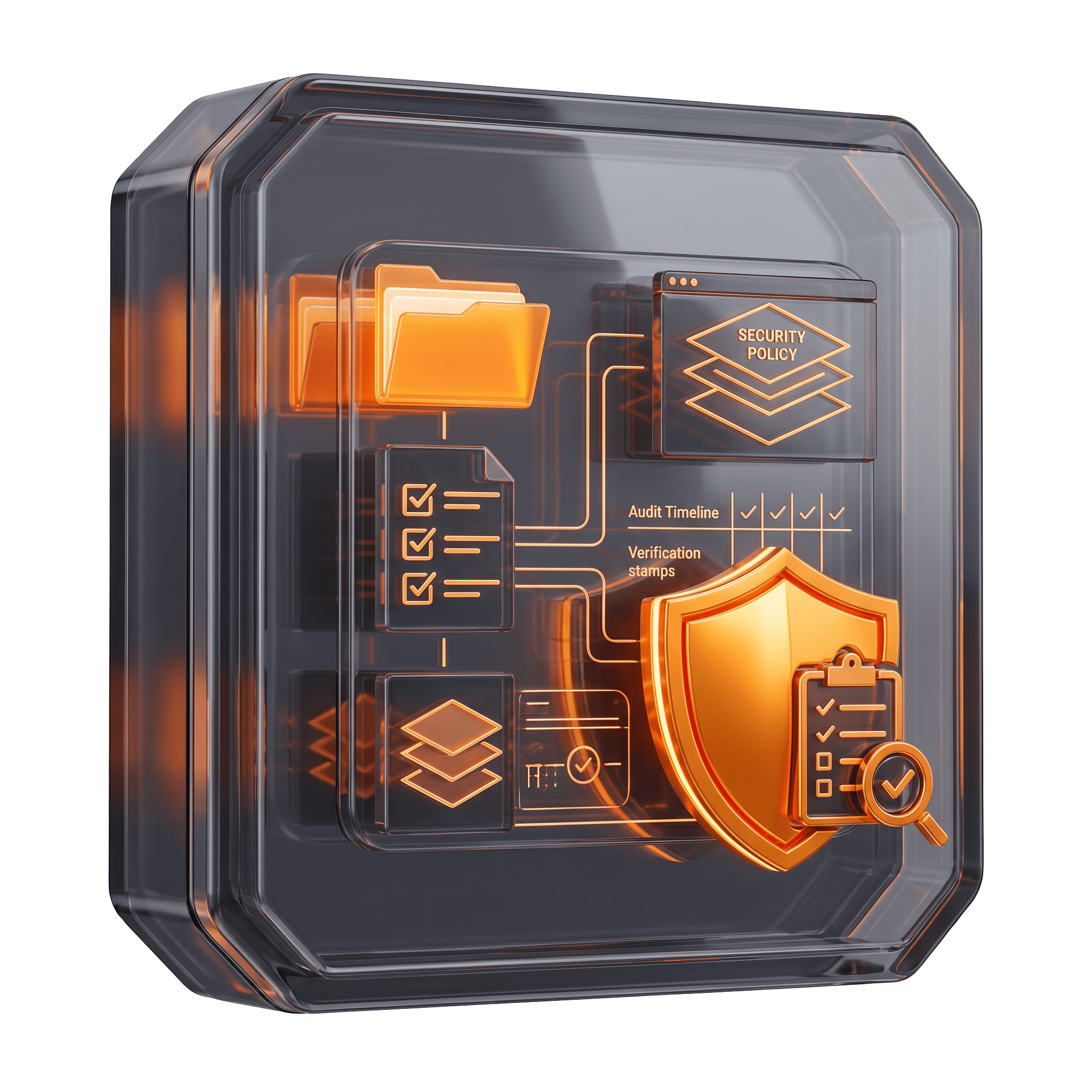
    MFA, Encryption, and Conditional Access on Every Session

    Remote desktop access is wrapped in the same identity controls as the rest of your Microsoft 365 tenant. Multi-factor authentication enforced on every sign-in. Sessions encrypted end to end. Conditional Access policies factor location, device compliance, and sign-in risk before granting access. The personal laptop on a hotel network gets the workspace; it never gets unrestricted access to your data.

    MFA, Encryption, and Conditional Access on Every Session

    Native Microsoft 365 Integration

    Identity, licensing, and reporting flow through your existing Microsoft 365 tenant. New hires get a remote desktop session on day one through the same provisioning Rules Engine that creates their mailbox. Departing employees lose remote desktop access the same day they lose email. No second identity directory.

    Native Microsoft 365 Integration

    Single Sign-On and Conditional Access

    Users sign in once with their Microsoft 365 credentials and reach the remote desktop session directly. MFA prompts only when policy requires. Conditional Access factors device compliance, location, and sign-in risk into every access decision. Less friction for your users, more confidence for your leadership team.

    Single Sign-On and Conditional Access

    Scalable User and Resource Provisioning

    Add ten users this week and ten more next month without an architecture review. VirtuWorks provisions additional resources, sessions, and storage as the engagement grows. Same per-user price, same workspace, same support team. Remote desktop that scales with the headcount you actually hire, not the headcount you predicted at contract time.

    Scalable User and Resource Provisioning

    Full-Service Management and US-Based Support

    Your remote desktop environment is not another system your internal team has to manage. VirtuWorks operates the host, the sessions, the patching, the backups, the monitoring, and the user support. The published $39.99 per user per month price is fully inclusive. 24/7 US-based engineers handle anything that comes up.

    Full-Service Management and US-Based Support

    Three Ways Remote Desktop Shows Up Every Day

    Day-to-Day Remote Work

    Day-to-Day Remote Work

    Your team signs in once and lands inside a Windows session that already knows them: Microsoft 365 ready, SharePoint mapped, Teams running, line-of-business apps in the start menu. Files saved in the session stay in the session, not on whatever device they happened to be on this morning. Remote desktop that disappears into the background so your team can do the work it was hired for.

    See Remote Desktop in Action
    Built-In Security and Continuity

    Built-In Security and Continuity

    MFA on every sign-in. Conditional Access factoring device compliance and sign-in risk. Sessions encrypted in transit and at rest. Image-based backups of the entire environment running automatically with 14-day retention. If a device fails, a contractor’s laptop is lost, or an office loses power, your team simply reconnects from another device and picks up where they left off.

    Get a Free Remote Desktop Posture Review
    Modernization and the AI Readiness Path

    Modernization and the AI Readiness Path

    Remote Desktop is the on-ramp to a centrally governed workspace. Identity hygiene, sensitivity labels, DLP, and AI governance can be layered on through the optional Compliance and Ai Readiness Add-On, giving your firm a defensible path to Copilot rollouts, audit evidence, and cyber-insurance renewals. No rebuild. No vendor swap. Same per-user model.

    Explore the Compliance and Ai Readiness Add-On

    How VirtuWorks Onboards Your Remote Desktop Environment

    Onboarding to VirtuWorks Remote Desktop is structured, not improvised. The first four to six weeks of your engagement run on a documented five-step path, with a named senior engineer owning each step and visible progress in the VirtuWorks Control Panel from day one. Pilot users sign in to real sessions during onboarding so the environment is validated on actual work before full cutover. By the time we hand the keys back, every user has a session sized for their workload, every line-of-business app is published, image-based backups are running, MFA and Conditional Access are enforced, and the same US-based engineering team that built the environment is on call for everything that comes after.

    We have five locations and our clinical staff rotate between them. Before VirtuWorks Remote Desktop, half our HIPAA risk was a hygienist signing into the practice management system from her home laptop because she forgot her badge. Now every clinician signs into a remote desktop session that lives at VirtuWorks, the records never leave, and our compliance auditor stopped writing the same finding three years in a row. Onboarding took less than a month. My internal team has not had to think about it since.


    Our designers were burning expensive workstations every two years and dragging hard drives between offices. We moved them all onto VirtuWorks Remote Desktop on private cloud servers tuned for CAD workloads, and our hardware budget for designers went to zero overnight. Image-based backups saved us during a ransomware scare on month two when one principal opened the wrong attachment from a job site, and the engineer on the phone had us back to a clean snapshot before lunch. This is the workspace I should have moved them onto five years ago.


    Renata Cole, Practice Administrator
    01 / 02
    Theodore Mwangi, IT Director,
    02 / 02

    Work From Anywhere With Confidence, Control, and Consistency.

    Start Your Remote Desktop Posture Review

    FAQs